 AI workout planner
An AI workout planner that follows you to the gym.
Your ChatGPT or Claude builds the plan around your week.
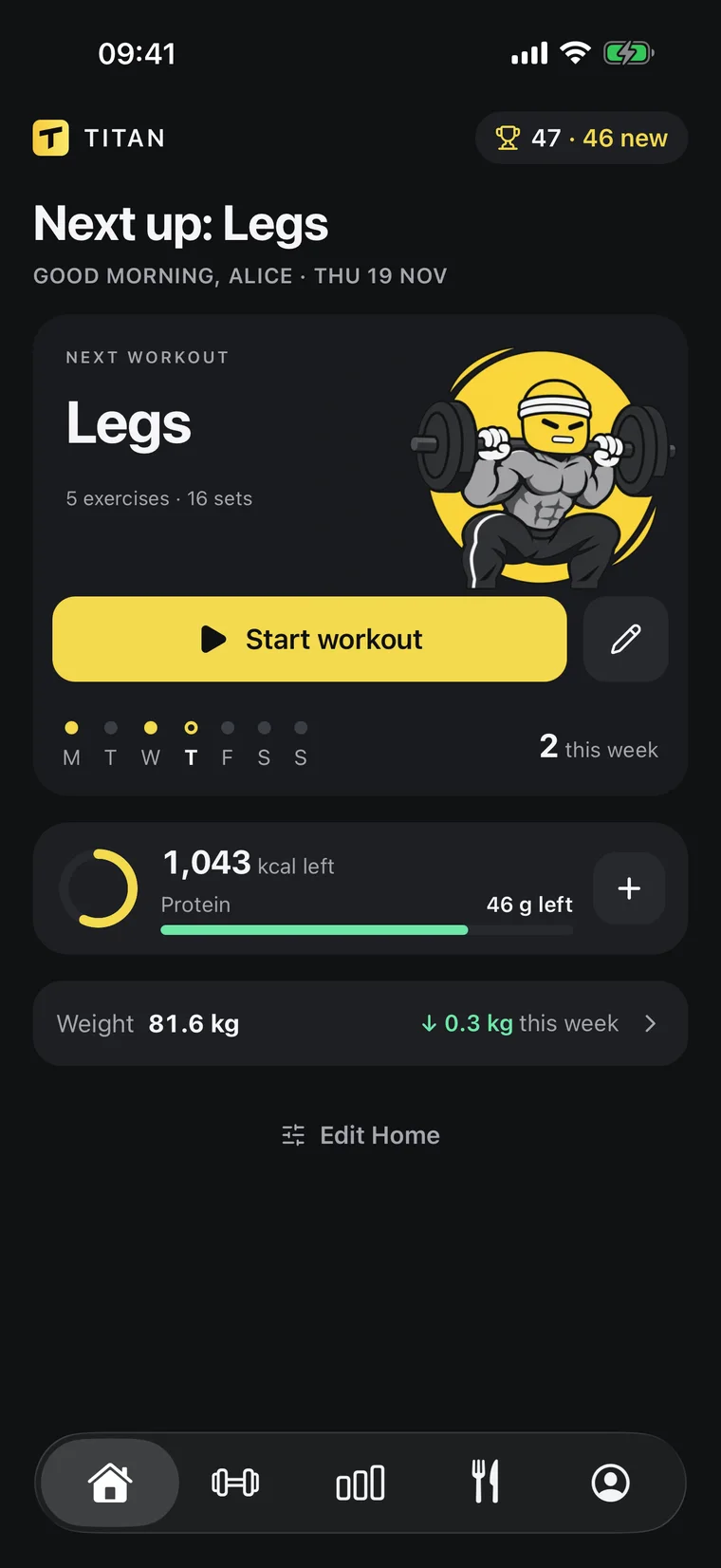
Titan saves it as workouts, with a target for every set.
- Plan built in a minute
- A target for every set
- Adapts to your results


Works inside the AI you already use
ChatGPTClaude
[ TRAINING ]
A target for every set
Your AI writes the program. Titan runs it in the gym:
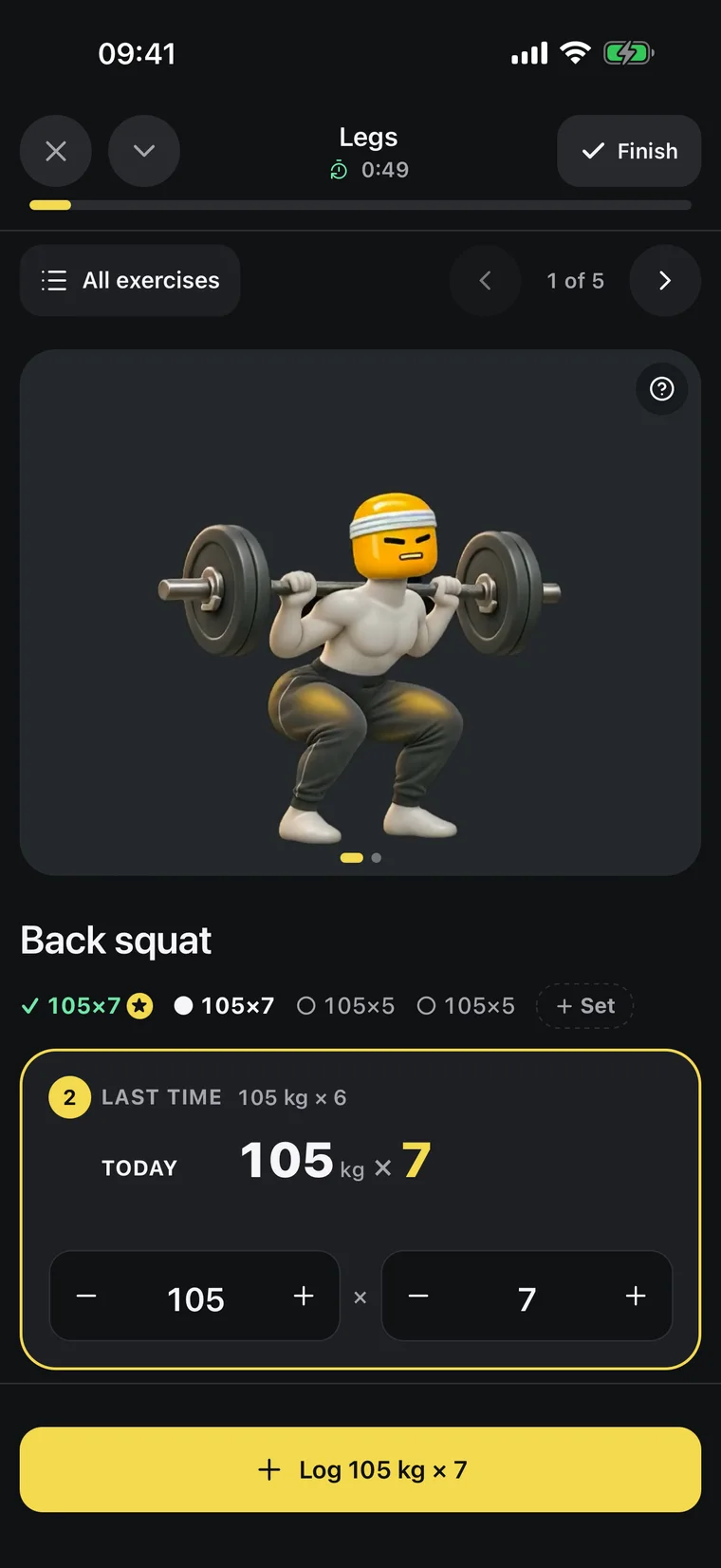
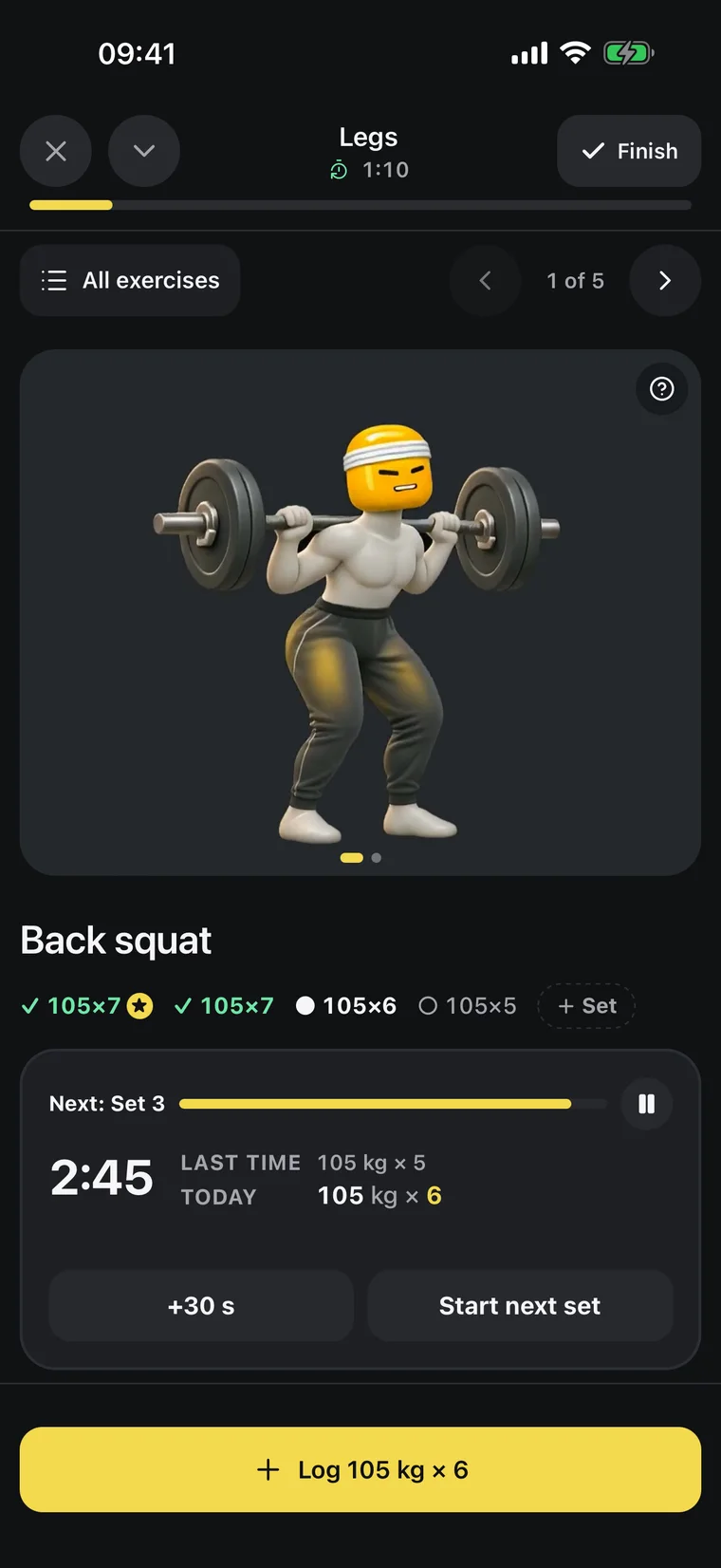
a weight and reps for each set, one tap to log, rest timer included.
Programs your AI writes
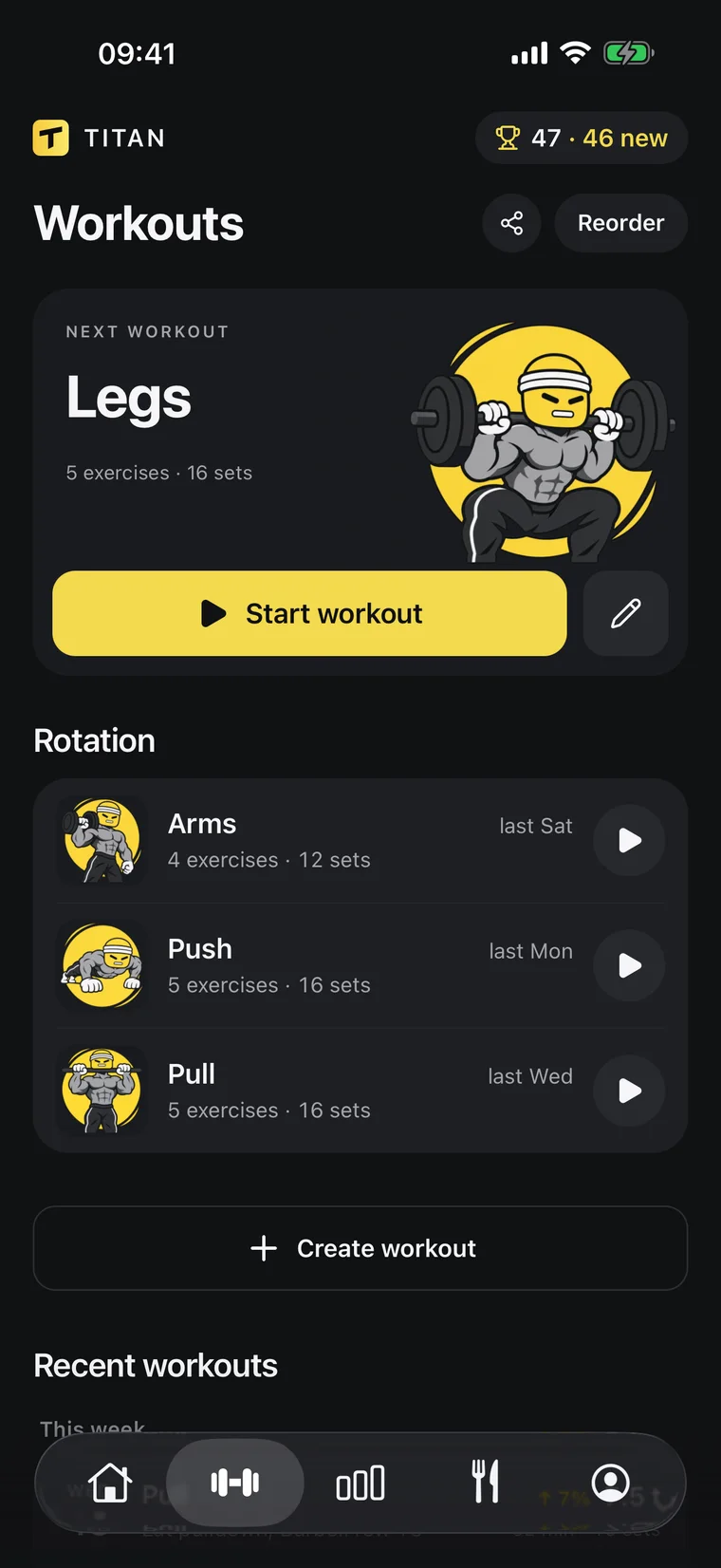
Ask for a split and it lands in Titan as workouts, with exercises, sets and rep ranges. Change it the same way.
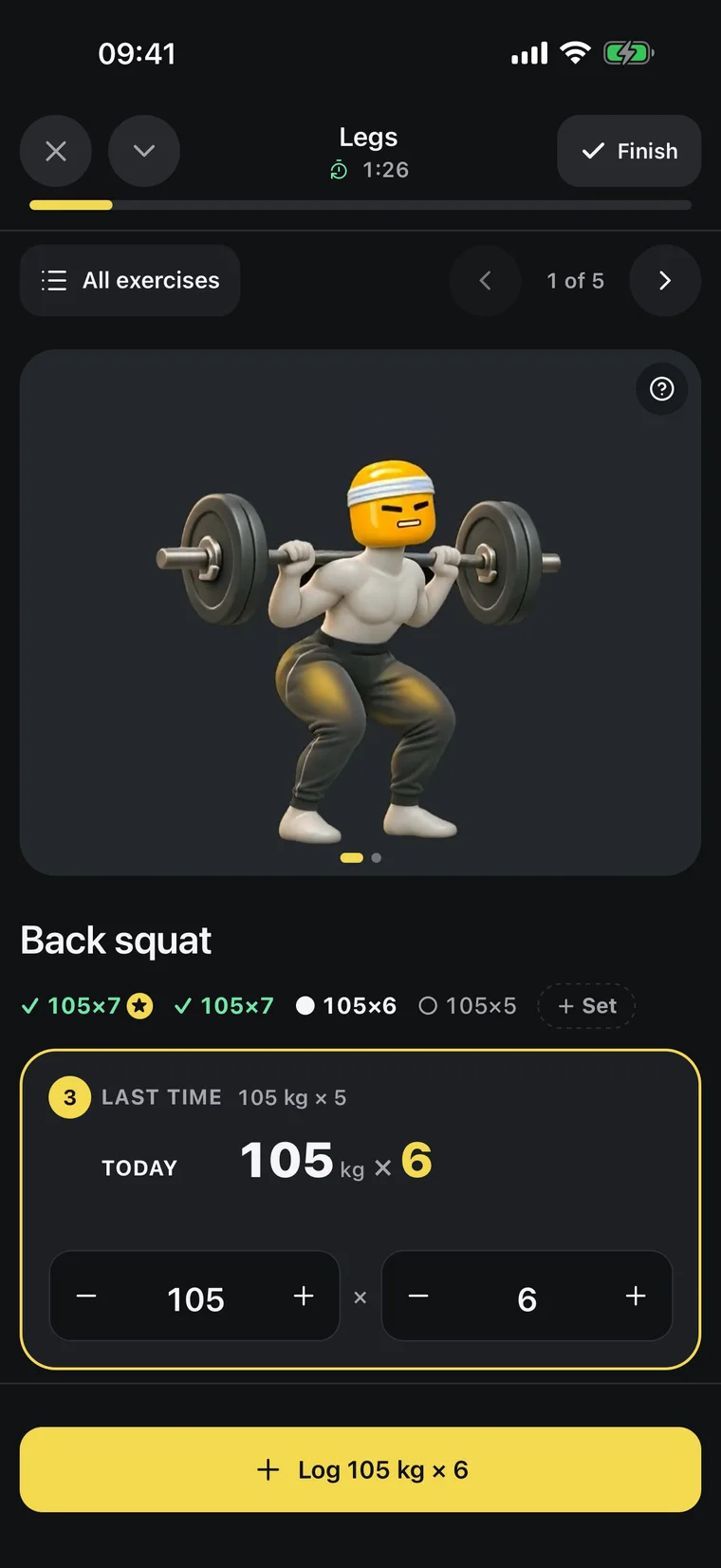
One tap per set
Titan suggests the next weight from your last session. Log the set and the rest timer starts; a notification tells you when to go again.
[ PROGRESS ]
See what’s actually working
Your weight trend, your lifts and your food, side by side.
Your AI reads the same numbers when it coaches you.
- Trend weight82.5 kg
- Bench top set80 kg × 6
- Avg calories2,310
- Sets logged52
Body-weight trend
A 7-day trend line instead of daily noise, so you see where your weight is really going.
Muscles trained
See which muscles you hit this week and which ones you’ve been skipping.
Coaching from your history
Ask why your bench is stuck. Your AI answers from your real sets and suggests a change you approve.
From a plan to a habit
A generated plan is easy to get. Following it is the hard part.
It asks before it plans
Goal, days, equipment and level: a few short questions, then one plan to approve.
It is waiting in the app
No copying from a chat into notes. Open Titan, press Start and log each set with one tap.
It changes when you do
Missed a week or hit every rep? Your AI reads the log and proposes the next version.
[ YOUR AI ]
Ask for a plan in one sentence
Your AI asks about your goal, your days, your equipment and your level, then shows you the plan. It is saved only when you say yes.
Titan×Works with
ClaudeMCPWhat is an AI workout planner?
A tool that builds a training plan from your goal, schedule, equipment and level. Titan uses your own ChatGPT or Claude for the planning and stores the result as workouts.
Are AI workout plans any good?
They are sound when the AI knows enough about you, and they improve a lot when it can see your results. That is why Titan gives it your logged sets.
Can I change the plan?
Yes, by asking or by hand. Swap an exercise, add a day or make a week lighter; changes are saved after you agree.
How do I follow it at the gym?
Open Titan and start the workout. Each set shows the weight and reps to aim for, one tap logs it and the rest timer runs.
Does it work for home workouts?
Yes. Say what equipment you have and the plan is built around it.
What do I need?
The Titan app on iPhone or Android with an active Titan subscription, and a ChatGPT or Claude plan that can connect apps. Connecting takes about a minute, once.
Lift heavy.
The rest is easy.