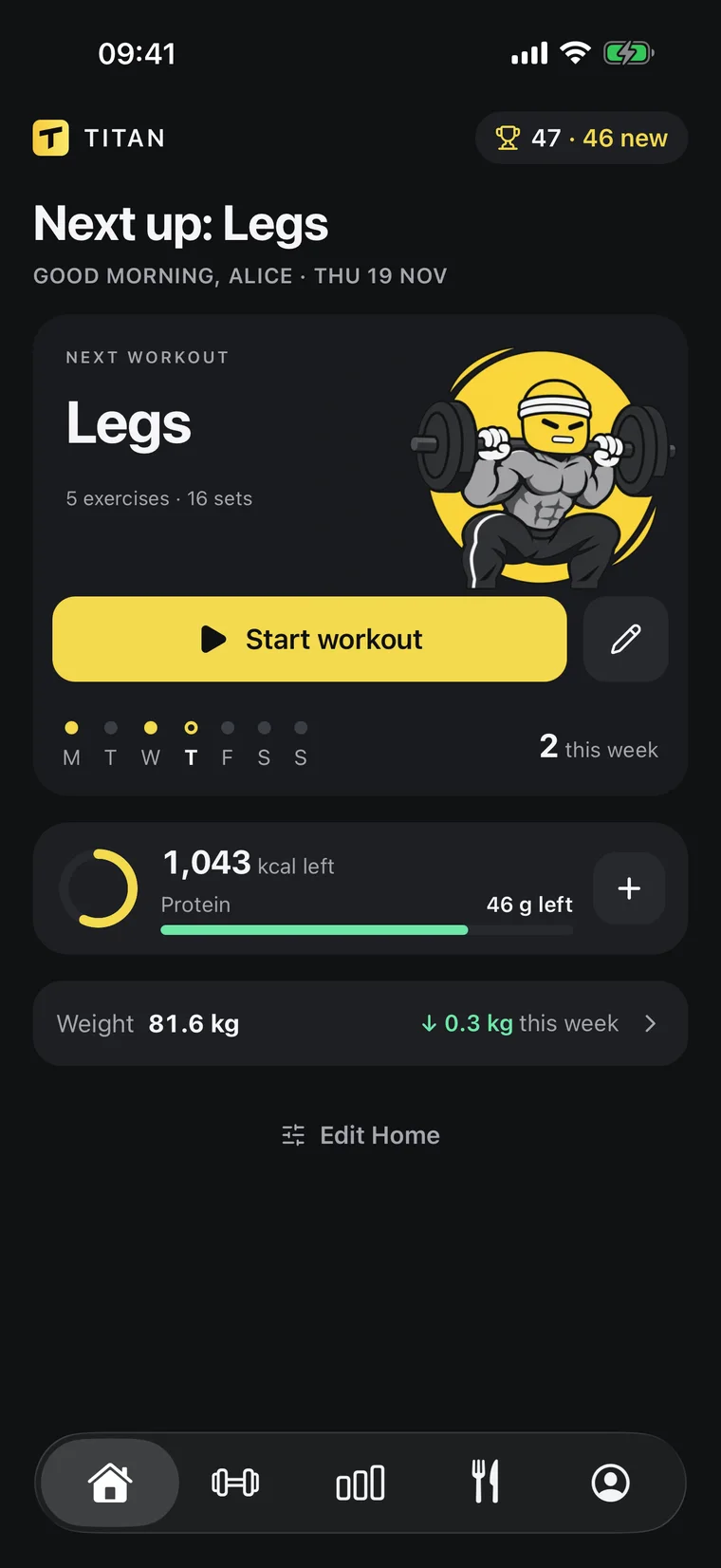
 AI calorie counter
An AI calorie counter that remembers your day.
Your ChatGPT or Claude estimates the meal from a sentence or a photo.
Titan saves it, so tomorrow it still knows.
- Words or a photo
- Works in ChatGPT and Claude
- History your AI can read


Works inside the AI you already use
ChatGPTClaude
[ NUTRITION ]
Log food in
one sentence
Tell ChatGPT or Claude what you ate. Titan saves the meal
with calories and macros, and your day updates.
ChatGPTTitan · Log mealSay it like you’d text a friend
No food database, no weighing every ingredient. Your assistant estimates the meal and logs it in Titan.
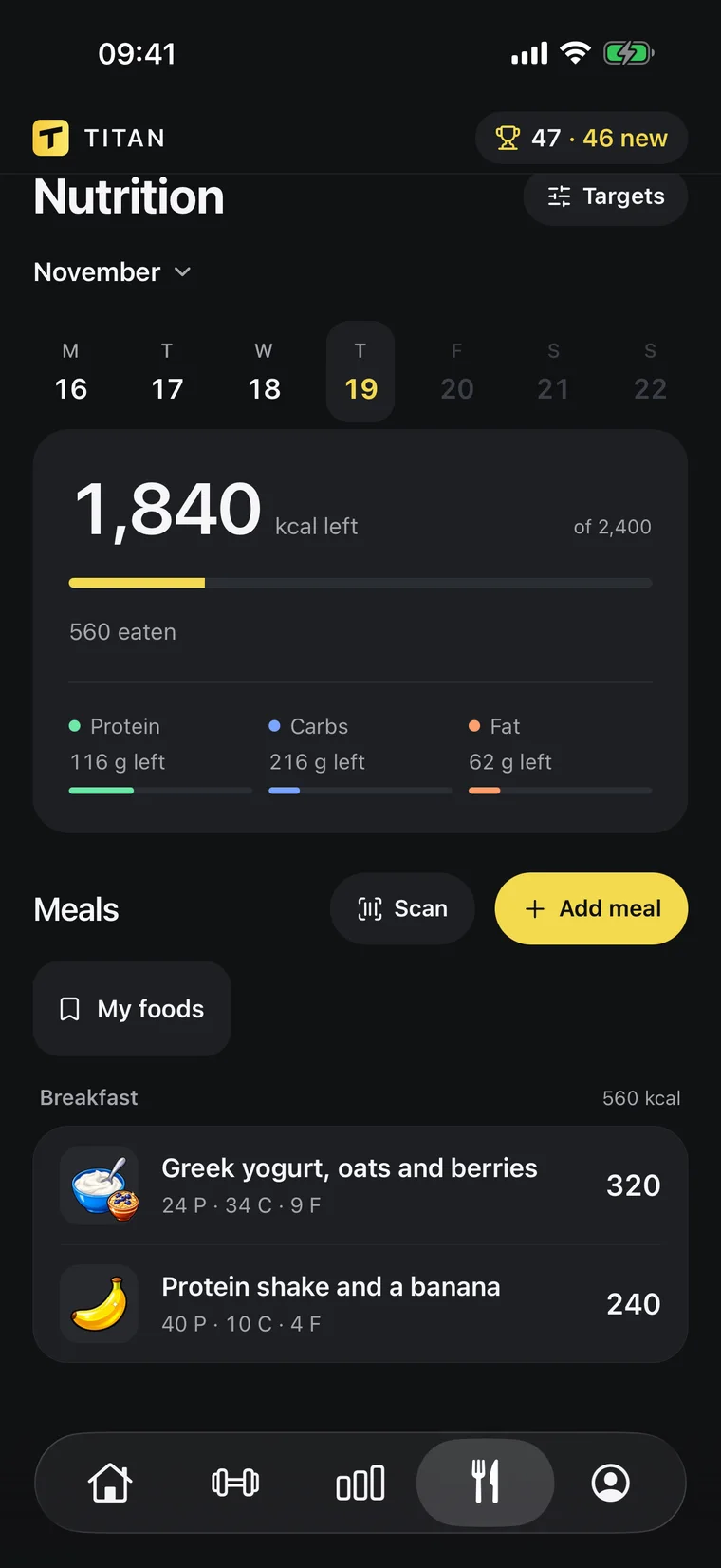
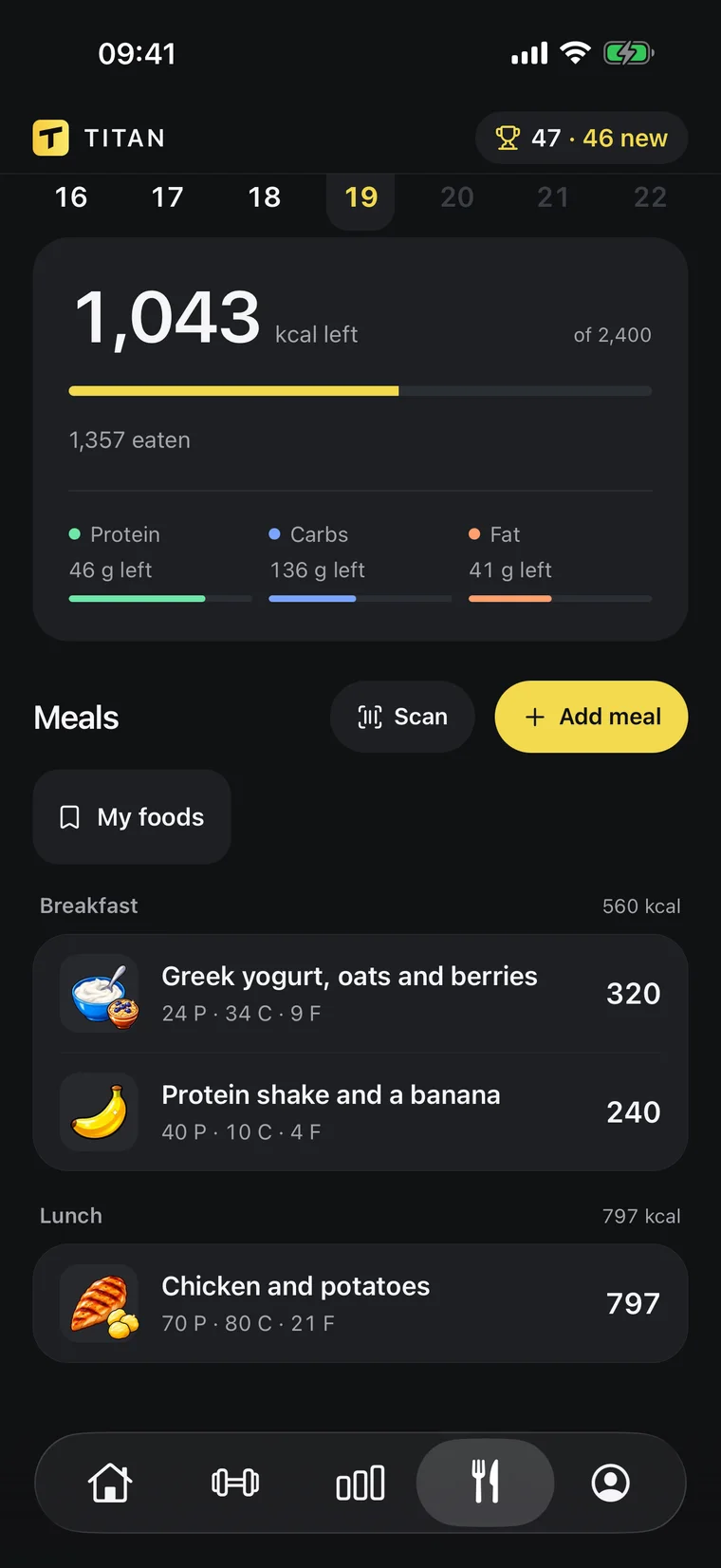
Calories and macros, done for you
Your daily target, protein and every meal in one screen. It updates the moment your AI logs something.
- Calories and macros
- Protein target
- Body-weight trend
- Edit by chat
[ PROGRESS ]
See what’s actually working
Your weight trend, your lifts and your food, side by side.
Your AI reads the same numbers when it coaches you.
- Trend weight82.5 kg
- Bench top set80 kg × 6
- Avg calories2,310
- Sets logged52
Body-weight trend
A 7-day trend line instead of daily noise, so you see where your weight is really going.
Muscles trained
See which muscles you hit this week and which ones you’ve been skipping.
Coaching from your history
Ask why your bench is stuck. Your AI answers from your real sets and suggests a change you approve.
What the AI does, and what Titan does
An AI is good at estimating. It is bad at remembering. Together they cover both.
The AI estimates
It reads your sentence or your photo and works out calories, protein, carbs and fat.
Titan keeps the record
Every meal, your targets and your body weight are stored, across chats and across weeks.
You stay in charge
Photo portions are estimates. Check the numbers, fix them by asking, and nothing changes without your yes.
[ YOUR AI ]
Then just ask
Because every meal is saved, your AI can answer from your real day, your week, your targets and your weight, even in a brand-new chat.
Titan×Works with
ClaudeMCPHow does an AI calorie counter work?
You describe the meal or send a photo. The AI recognises the foods, estimates the portions and works out the calories and macros. In Titan the result is saved to your day.
How accurate is AI at counting calories?
Good with clear descriptions, weights and known brands. From a photo it has to guess portion sizes, so treat the number as an estimate and correct it when it looks off.
Which AI does Titan use?
Yours. Titan connects to your own ChatGPT or Claude, so you keep the assistant you already know, and both can be used with one Titan account.
Does the AI remember what I ate yesterday?
With Titan it does. Your meals live in Titan and your AI reads them whenever you ask, even in a new chat.
Is my food data used for anything else?
Your AI can see only your Titan data, and you can disconnect it at any time. The privacy policy lists exactly what is stored.
What do I need?
The Titan app on iPhone or Android with an active Titan subscription, and a ChatGPT or Claude plan that can connect apps. Connecting takes about a minute, once.
Lift heavy.
The rest is easy.